Instant workspace
Confirmed checkout opens a signed-in chat instead of a setup screen.
Ready in secondsOne focused place to think, write, analyze, and build with capable AI models. No technical setup required.
01 / The gateway
Open the workspace, choose a model, and start a conversation. blueberrry AI handles secure access, account rules, model routing, and usage records behind the interface, so the experience stays clear even when the infrastructure is not.
02 / After checkout
As soon as checkout is confirmed, blueberrry AI signs you in and opens the chat workspace. There is no key to copy and no software to configure.
Confirmed checkout opens a signed-in chat instead of a setup screen.
Ready in secondsUse Flash for everyday speed or Pro for more demanding work.
Change any timeReturn to earlier threads and continue with the context already in place.
Built inPlan, balance, requests, and current usage remain visible inside chat.
No guessworkPrompt examples and a short guide make the first conversation simple.
Human help too03 / Models and work
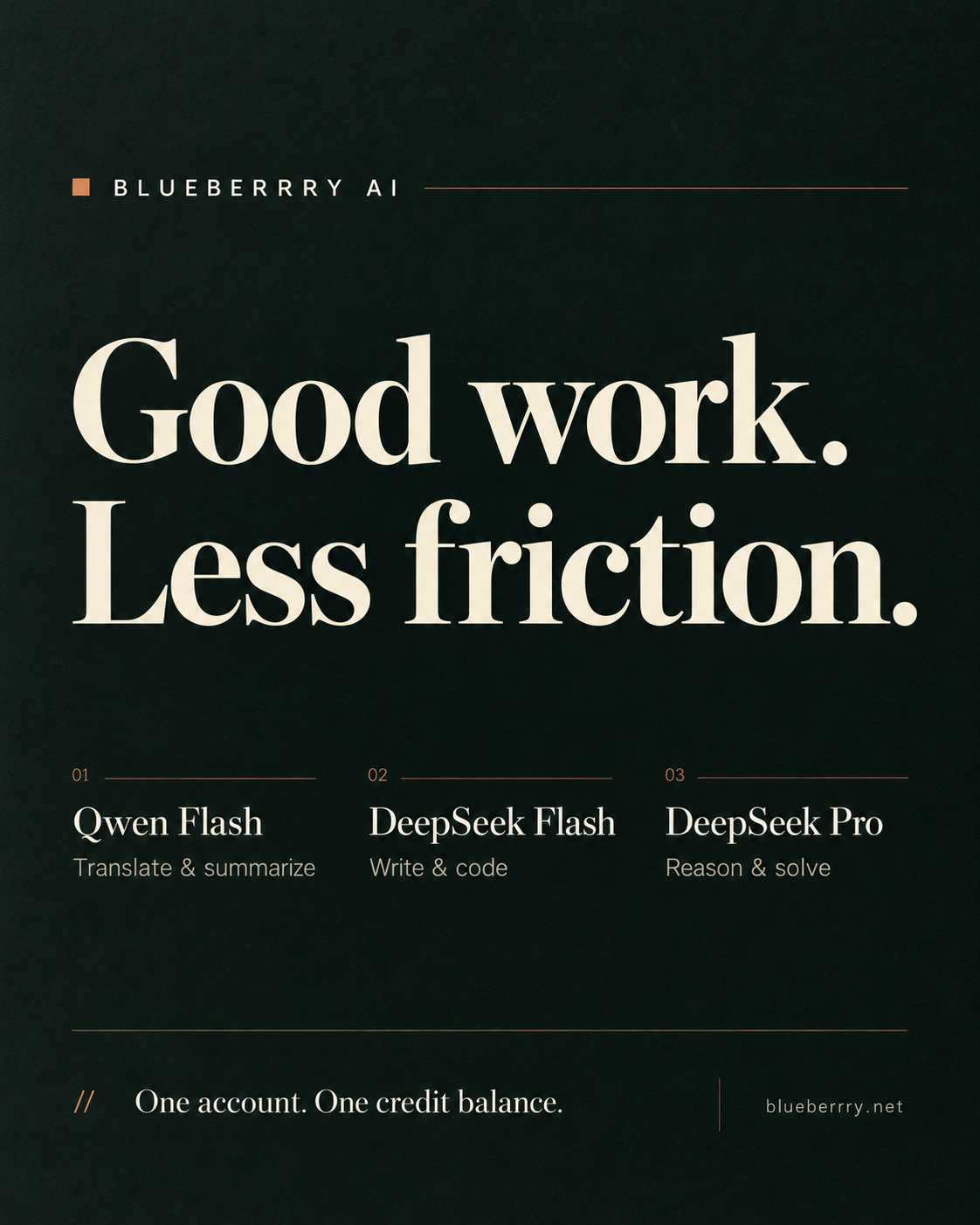
Use Flash when speed matters. Switch to Pro when the work needs deeper reasoning, longer context, or a more deliberate answer.
A fast, economical model for daily writing, summaries, translation, planning, and straightforward coding tasks.
A more deliberate model for complex research, difficult code, long documents, strategy, and multi-step agent planning.
Start with an outcome. The workspace helps turn a rough brief into useful text, analysis, code, or a production plan.
Develop hooks, scenes, shot lists, voice-over, captions, and platform-specific launch copy before production.
Adapt product pages, support replies, campaigns, and documents for different languages and markets.
Explain code, find likely faults, draft functions, review architecture, and plan agent workflows.
Compare options, structure long notes, extract decisions, and turn source material into a clear brief.
Create offers, landing-page copy, outreach, ad variants, and customer-ready explanations.
Use the compatible chat endpoint inside your own tools while keeping provider credentials behind the gateway.
Video support currently means scripts, storyboards, captions, shot lists, and campaign planning. Direct video rendering requires a dedicated video model and is not enabled yet.
04 / First request
Choose a plan, enter the access email, and complete payment in secure checkout.
blueberrry AI confirms payment, signs you in securely, and opens Chat automatically.
Ask naturally, continue the thread, and see your usage update after every response.
05 / Product view
Chat is the default experience. A compatible developer endpoint remains available for advanced integrations.
/v1/chat/completions200
06 / Compatibility
The gateway follows the request patterns developers already expect, so existing application code usually needs only a base URL and customer key change.
POST /v1/chat/completionsAuthorization: Bearer bbai_live_...application/jsonstream: true | falsemodel: provider-default07 / International AI access
One account turns model access into a workspace, a compatible endpoint, visible usage, and a product customers can understand.
Customers can chat, keep history, change models, and continue from another device without handling provider keys.
The interface follows the customer language across major European, Asian, Latin American, and Gulf markets.
Monthly allowances, prepaid credit, request counts, and current usage stay visible instead of becoming a surprise bill.
Apps and agent workflows can use one familiar request format while upstream credentials remain server-side.
Customers use the blueberrry product layer; infrastructure credentials and routing details are not exposed in the browser.
Model fallback, team controls, guardrails, and direct media generation can be added as the gateway grows.
08 / Security
Payment details, customer access, request content, and provider credentials follow separate paths. Each service receives only what it needs.
Public traffic is encrypted between the customer and gateway.
Issued keys are stored as one-way hashes after initial delivery.
Provider credentials stay out of browser code and customer responses.
Card details are entered only inside secure Paddle checkout.
09 / Token rules
Usage is measured against one understandable monthly allowance. Customers can inspect the same account state the gateway enforces.
Allowance resets when the monthly subscription renews.
The account view shows current-cycle token usage at any time.
Requests pause at the plan limit instead of creating surprise overages.
Unused allowance does not roll over and cannot be withdrawn.
10 / Billing
Choose a predictable monthly allowance or add prepaid usage credit. Checkout explains the total before payment.
blueberrry AI is confirming the transaction and signing you in.
Credits are non-recurring, stay on the access account, and are used only after a monthly allowance is unavailable or absent.
Prepaid access credit
Talk to the team about a custom allowance and support path.
→Loading secure checkout configuration.
Checkout: LoadingMonthly subscriptions renew until canceled. Prepaid Credits are non-recurring and have no cash value. Taxes and full terms appear before payment. Read our Terms, Privacy Policy, and Refund Policy.
11 / Account
Sign in to open your conversation workspace on another device. Purchases made with the same email attach automatically.
Email and password are enough. Use this email at checkout and purchases connect automatically.
Customers who previously received a developer key can use it once to attach that purchase to a password.
11 / Operations
Active, canceled, past-due, and expired accounts can be handled consistently by the gateway.
Customer identity and monthly usage are evaluated before upstream work begins.
Access problems stay inside the blueberrry customer layer, keeping provider credentials private.
Operators can understand request outcomes and account state while checkout remains separated.
12 / About
blueberrry AI is a small independent team building a focused place to work with capable AI models without turning setup, billing, and usage controls into a second project.
The goal is simple: make the first purchase understandable, open the first conversation immediately, and keep sensitive infrastructure behind the product.
Plans, limits, account status, and next steps should be obvious.
Credentials and payment data stay inside the services built to handle them.
Start with a conversation, then reveal advanced tools only when the work needs them.
Questions
Yes. After Paddle confirms the transaction, blueberrry AI signs you in and opens the chat workspace automatically.
Only inside Paddle's secure checkout. Raw card details never reach the blueberrry server.
Requests pause until the next billing cycle or until the customer moves to a larger plan.
Open Usage & billing inside Chat to see your plan, balance, token usage, requests, and recent response performance.
Contact